 Macon Calendar Tools
Open app
Guides: Outlook printing, Planner and Excel problems, solved
Pick the problem you have. Each guide explains what Outlook does today, why, and the steps that fix it.
Open the free app Free to try. No account needed.
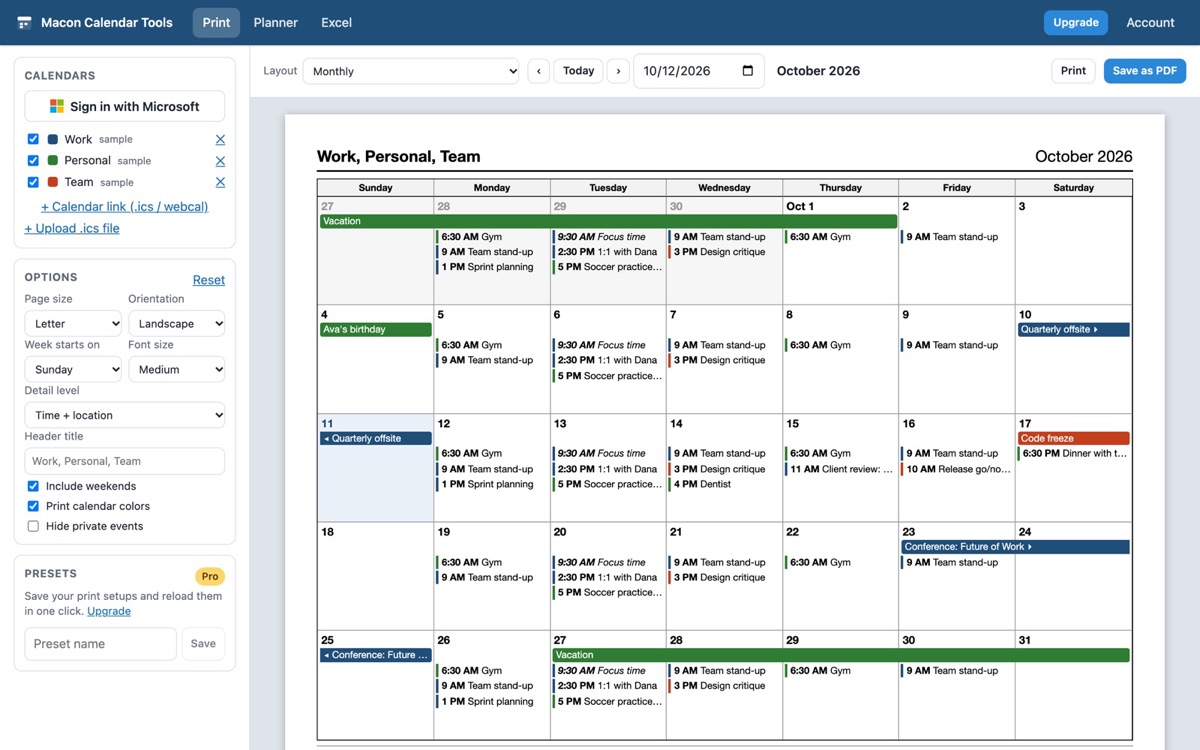
Printing from the new Outlook
- How to print your calendar in the new Outlook: landscape month, tri-fold, week with details.
- Calendar prints on two pages or gets cut off
- Save an Outlook calendar as a PDF
- Print on a Mac
- Print a shared or group calendar
- Print a specific date range
- Print with notes lines
- Print a blank calendar
- Print Google Calendar
The classic print layouts
- All layouts: tri-fold, landscape, monthly with details, weekly with details, multiple weeks, yearly, without details.
Planner tasks and Outlook
- Put Planner tasks back in your Outlook calendar
- "Add plan to Outlook calendar" is missing
- Planner tasks not showing in Outlook
Outlook to Excel
- Export your Outlook calendar to Excel
- Turn your calendar into a timesheet
- How many hours in meetings?
- Export to CSV
- Export contacts and export emails
About the app
Pricing, the illustrated user guide, privacy and terms.
Frequently asked questions
Is the app free?
Monthly, weekly and daily printing, the Planner timeline and .ics download, and calendar export up to 100 rows are free. Pro ($8/month or $59/year) unlocks the rest.
Does it work with the new Outlook?
Yes, and with classic Outlook, Outlook on the web, Outlook.com and Google Calendar.
Where does my data go?
Your calendar, mail and contact data are read in your browser straight from Microsoft and are never uploaded to our servers.