 Macon Calendar Tools
Open app
Print an Outlook calendar for a specific date range
Outlook prints a month or a week, never "the 12th to the 26th". Two layouts here print any range: multi-week for a grid, agenda for a list.
Print your calendar now Free to try. No account needed.
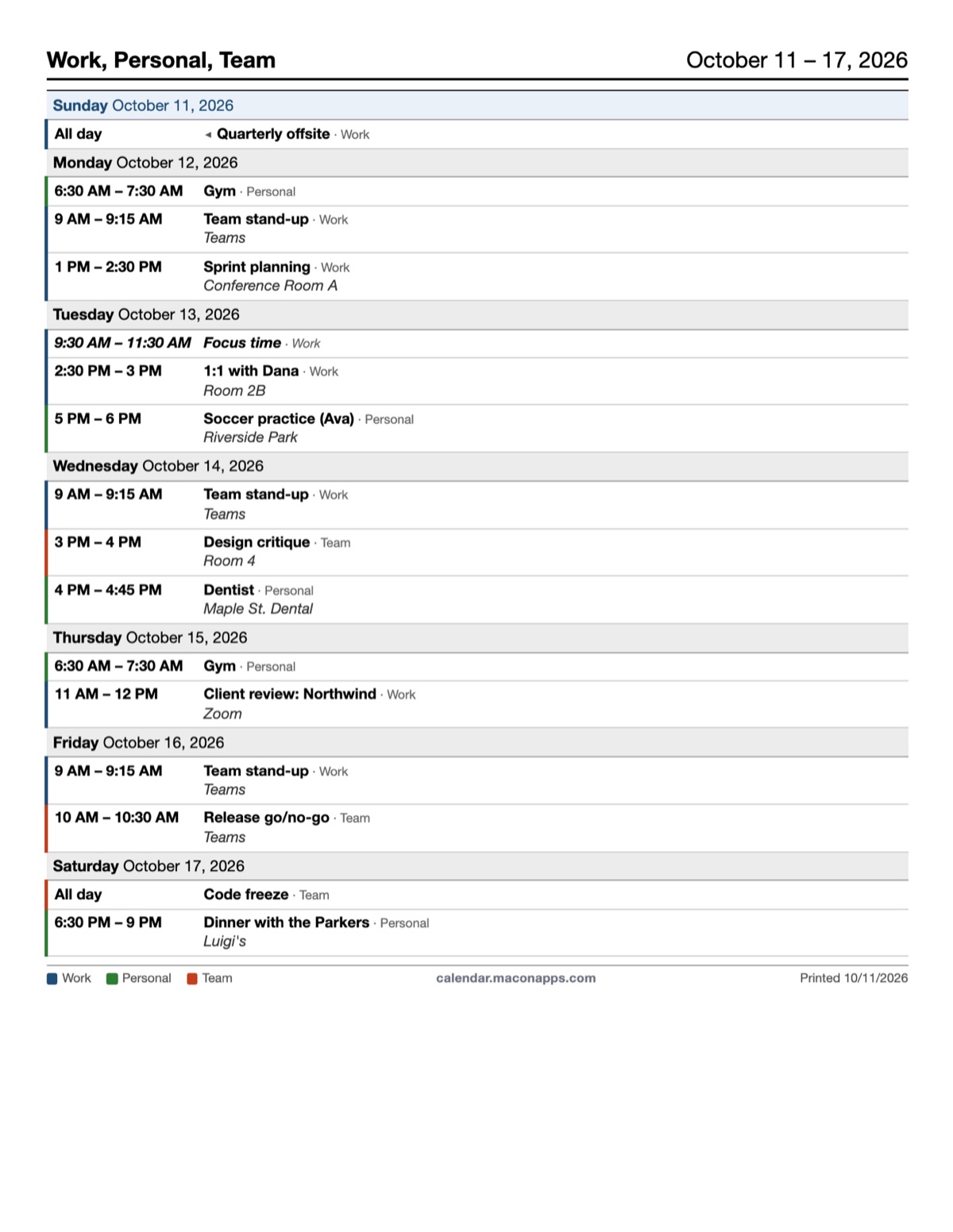
Multi-week: a grid for any span
Choose Multi-week (Pro), set the start date, and pick two to six weeks. You get one page with a row per week, the same look as the monthly grid but starting where you say. It is the page for a project sprint, a school term or a long trip.
Agenda: a list for any range
Choose Agenda (Pro), set the start date and a range of one week to three months. Every event in the range prints as a list: day headings, times, titles, locations, attendees if you want them, so a packed fortnight still fits on a page or two. It is also the layout that works best on a phone when saved as a PDF.
Free options for a range
- Weekly, printed once per week of the range.
- Monthly for each month the range touches.
Steps
- Open the app and sign in with Microsoft, or paste a published calendar link.
- Pick the layout and type the start date; set the number of weeks or the agenda span.
- Tick the calendars to include, then Print or Save as PDF.
Your calendar, mail and contact data are read in your browser straight from Microsoft and are never uploaded to our servers.
Frequently asked questions
What is the longest range I can print?
Multi-week prints up to six weeks on a page; the agenda layout covers up to three months and paginates as needed.
Can I print only one calendar for the range?
Yes. Tick only the calendars you want; the legend on the page shows which are included.
Which layouts are free?
Monthly, weekly and daily. Multi-week and agenda are Pro.
Is my calendar uploaded?
Your calendar, mail and contact data are read in your browser straight from Microsoft and are never uploaded to our servers.