 Macon Calendar Tools
Open app
"Add plan to Outlook calendar" is missing — here is the fix
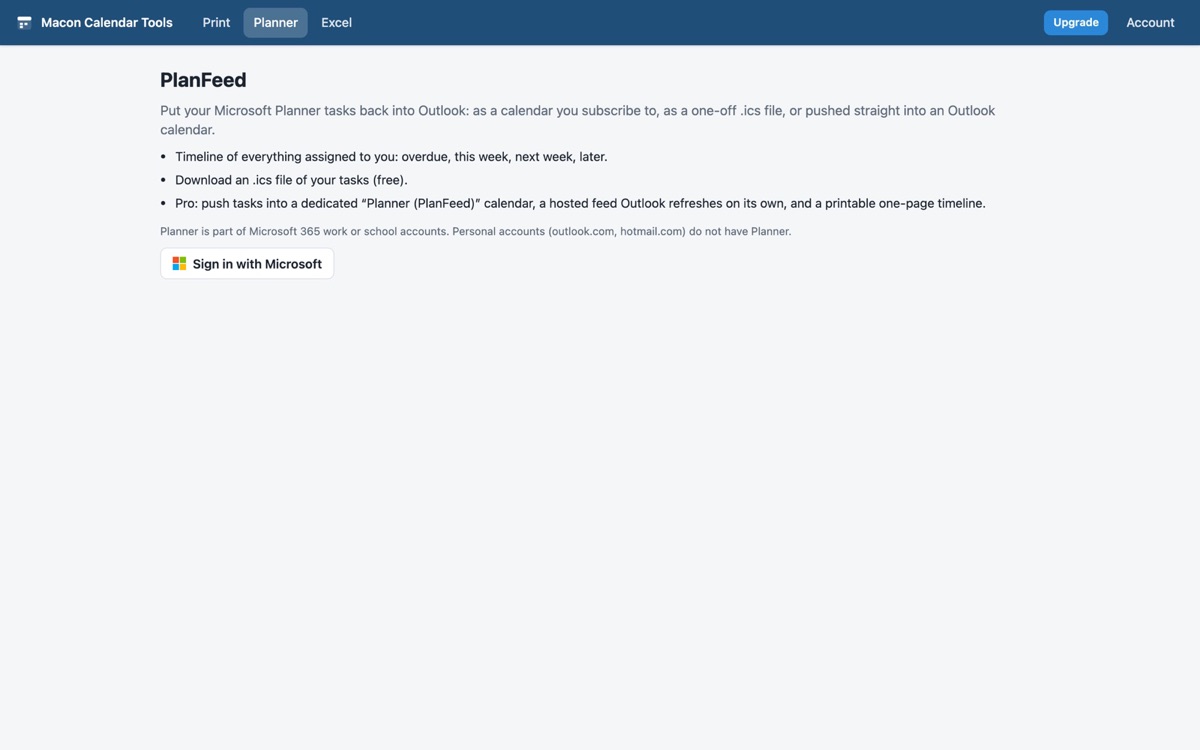
If you went looking for the Planner → Outlook calendar feed and found it gone, you are not imagining it: the new Planner retired the "Add plan to Outlook calendar" option and the iCalendar feed behind it. PlanFeed brings the due dates back.
Open PlanFeed Free to try. No account needed.
What happened
Classic Planner had Add plan to Outlook calendar on each plan's menu. It published an iCalendar feed you subscribed to in Outlook, and every task with a due date showed up as an all-day event. The new Planner experience (Planner in Teams and planner.cloud.microsoft) dropped the option, and existing feeds stopped updating. Outlook on its own cannot show Planner tasks on the calendar — the To Do integration shows tasks in a side pane, not on the grid.
Three ways to get them back
- Push to Outlook calendar (Pro): PlanFeed creates a calendar named *Planner (PlanFeed)* in your mailbox and writes one all-day event per task on its due date, across every plan you are assigned in. Run it again any time: changed dates move, finished tasks disappear, and your other calendars are never touched.
- Hosted feed (Pro): the closest thing to the old feature. You get a private feed URL to add in Outlook with *Add calendar → Subscribe from web*; Outlook refreshes it on its own every few hours. Click *Update feed now* when your tasks change, or let it update automatically each time you open PlanFeed.
- Download .ics (free): a one-off file of your tasks to import into Outlook, Google Calendar or Apple Calendar.
Before you start
- Sign in with your work or school Microsoft 365 account — Planner is not available on personal Outlook.com accounts.
- Only tasks assigned to you are included; unassigned tasks in a plan are not yours in Planner's eyes.
- Tasks without a due date show in the timeline but are not exported (there is no date to put them on).
Print the timeline too
PlanFeed can also print a one-page timeline of your tasks grouped by week — useful for a weekly review or a 1:1.
Your calendar, mail and contact data are read in your browser straight from Microsoft and are never uploaded to our servers. The hosted feed is the one thing stored on our side, behind an unguessable URL you can rotate at any time.
Frequently asked questions
Will Microsoft bring the Planner calendar feed back?
There is no announced date. PlanFeed works today and keeps working if Microsoft restores the feature.
Does the push create duplicate events?
No. Each task is matched to its event; running the push again updates or removes events rather than adding copies.
Can my whole team use one feed?
Each person gets their own feed of the tasks assigned to them. For a shared plan calendar, one person can push the plan to a shared Outlook calendar they own.
Does it work in Teams?
Yes — Planner in Teams uses the same plans and tasks, read through Microsoft Graph.