 Macon Calendar Tools
Open app
Planner tasks not showing in your Outlook calendar: causes and fixes
There are four reasons Planner tasks do not appear on the Outlook calendar, and only one of them is something you did. Work through the list; the last step puts them back for good.
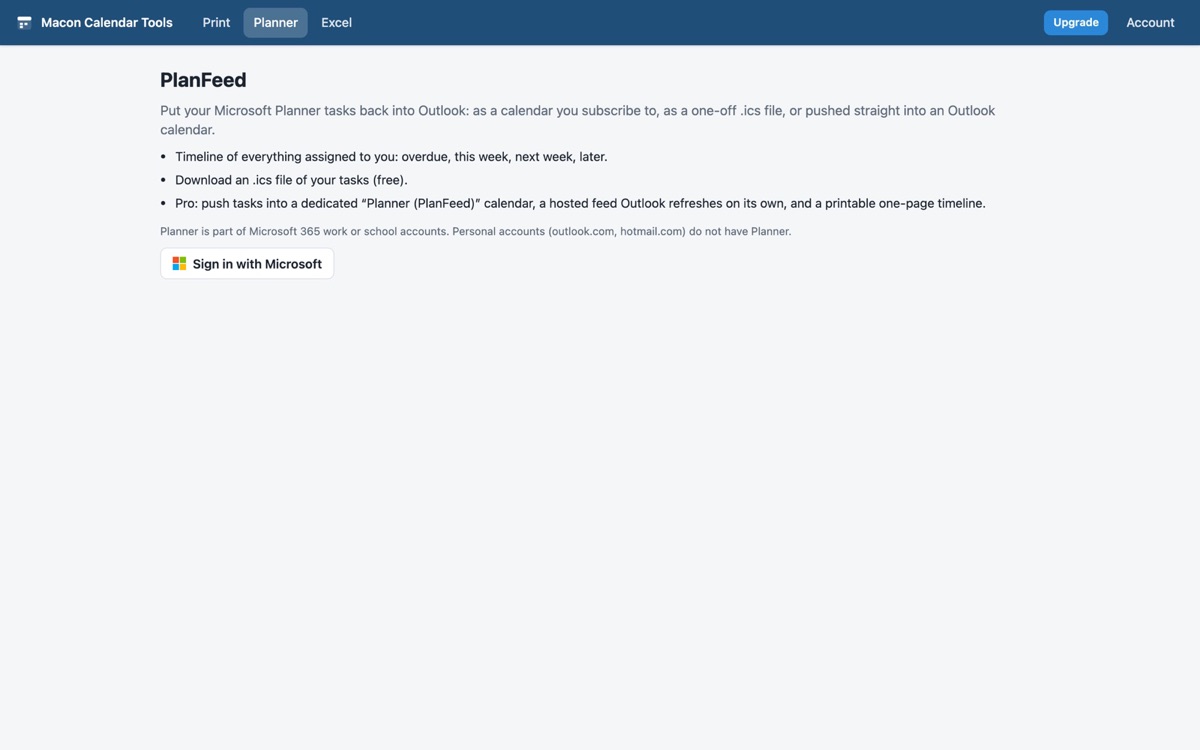
Open PlanFeed Free to try. No account needed.
1. The Planner to Outlook feed was retired
If you once subscribed with Add plan to Outlook calendar, that iCalendar feed stopped updating when the new Planner arrived, and the menu option is gone. Outlook keeps the stale calendar, which is why old tasks may still show while new ones do not. Remove the old subscription in Outlook (right-click the calendar, Remove) before adding a replacement.
2. Outlook never showed Planner on the grid by itself
The To Do pane in Outlook lists Planner tasks assigned to you, but the calendar grid has never drawn them as events. People who expect a due date to appear next to meetings are expecting a feature Outlook does not have.
3. The task is not assigned to you, or has no due date
Planner feeds, the retired one and PlanFeed alike, include only tasks assigned to you with a due date. A task in your plan that nobody is assigned to, or one without a date, has no day to appear on. Assign it and set a due date.
4. Personal account
Planner is part of Microsoft 365 work and school accounts. On a personal Outlook.com account there is no Planner to read.
The fix: put them back with PlanFeed
- Open PlanFeed and sign in with your work or school account.
- Check the timeline: overdue, this week, next week, later. If a task you expect is missing, it fails test 3 above.
- Choose Push to Outlook calendar (Pro) for a real *Planner (PlanFeed)* calendar in your mailbox that updates each time you run it, or Hosted feed (Pro) for a subscribable link Outlook refreshes on its own, or Download .ics (free) for a one-off import.
Your calendar, mail and contact data are read in your browser straight from Microsoft and are never uploaded to our servers.
Frequently asked questions
My old Planner calendar in Outlook still shows tasks. Are they current?
No. The retired feed no longer updates. Remove that calendar and use PlanFeed's push or hosted feed.
Do completed tasks disappear?
Yes. The push removes events for completed or deleted tasks on the next run, and the feed drops them on its next update.
Will tasks from every plan show?
Every plan you are assigned tasks in, across Teams and Planner, as long as the task has a due date.
Do I need a paid plan?
The timeline and the .ics download are free; push and hosted feed are Pro.